
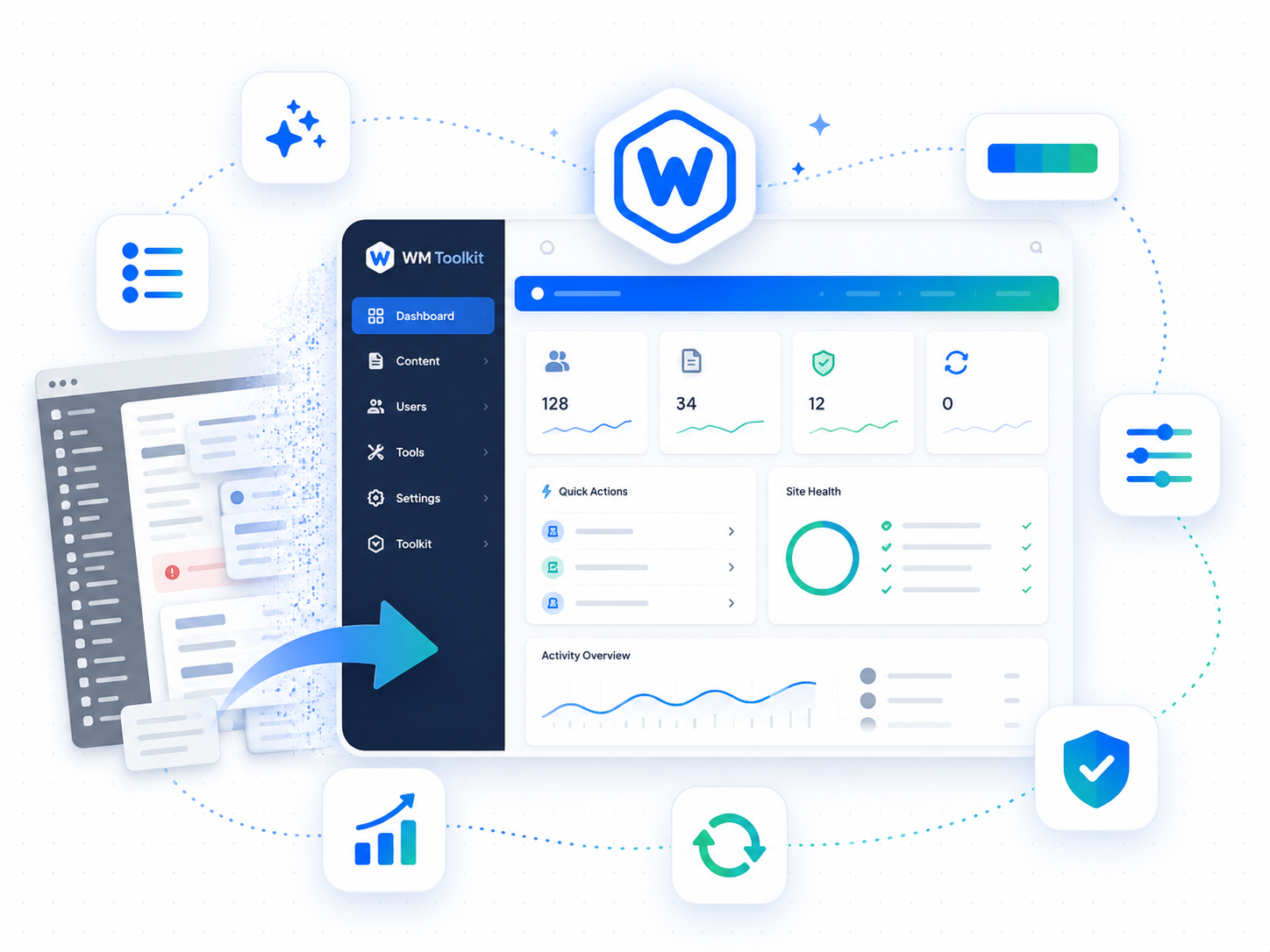
The default WordPress admin is designed to be broadly useful, not efficient. It ships with a cluttered dashboard, a fixed menu structure that rarely matches your workflow, and no indication of which environment you’re working in. Wordimatic Admin Toolkit addresses all of that in one place.
The most visible change is the environment color bar: define WP_ENV in wp-config.php and the admin bar turns red in production, amber on staging, and green in development. It’s a small thing that prevents large mistakes. Beyond that, the dashboard is cleaned to show only what you’ve opted back in to, the admin menu becomes drag-and-drop reorderable, and bulk post actions are extended to cover duplicate and redate, two operations that are otherwise an absurd number of clicks per item.
The command palette (Cmd+K or Ctrl+K) pulls everything together. Any post, page, setting, or registered custom post type is instantly searchable from anywhere in wp-admin. For sites with complex structures or large content libraries, it reduces navigation from a multi-click ordeal to a two-second search. Every feature is independently toggleable if you only want part of the toolkit.
Three steps to up and running
Environment detection
The plugin reads your WP_ENV constant (development, staging, production) and applies the appropriate admin bar color: red for production, amber for staging, green for development.
Dashboard cleanup
On activation, default WordPress dashboard widgets (news, events, quick draft) are hidden. Admins can restore individual widgets from Screen Options.
Command palette
Press Cmd+K (Mac) or Ctrl+K (Windows/Linux) anywhere in wp-admin to open a searchable command palette for posts, pages, settings, and plugin actions.
What's included
Who it's for
- Prevent accidental production edits by making the environment visually obvious at a glance.
- Speed up repetitive admin tasks — duplicate 20 posts in two clicks instead of one at a time.
- Navigate a complex wp-admin setup without memorising menu locations.
Technical requirements
Version history
- — Command palette (Cmd+K) added
- — Admin menu drag-and-drop reordering
- — Environment color bar now supports custom hex via filter
- — Complete rewrite for PHP 8.1 compatibility
- — Bulk post actions: duplicate and redate