
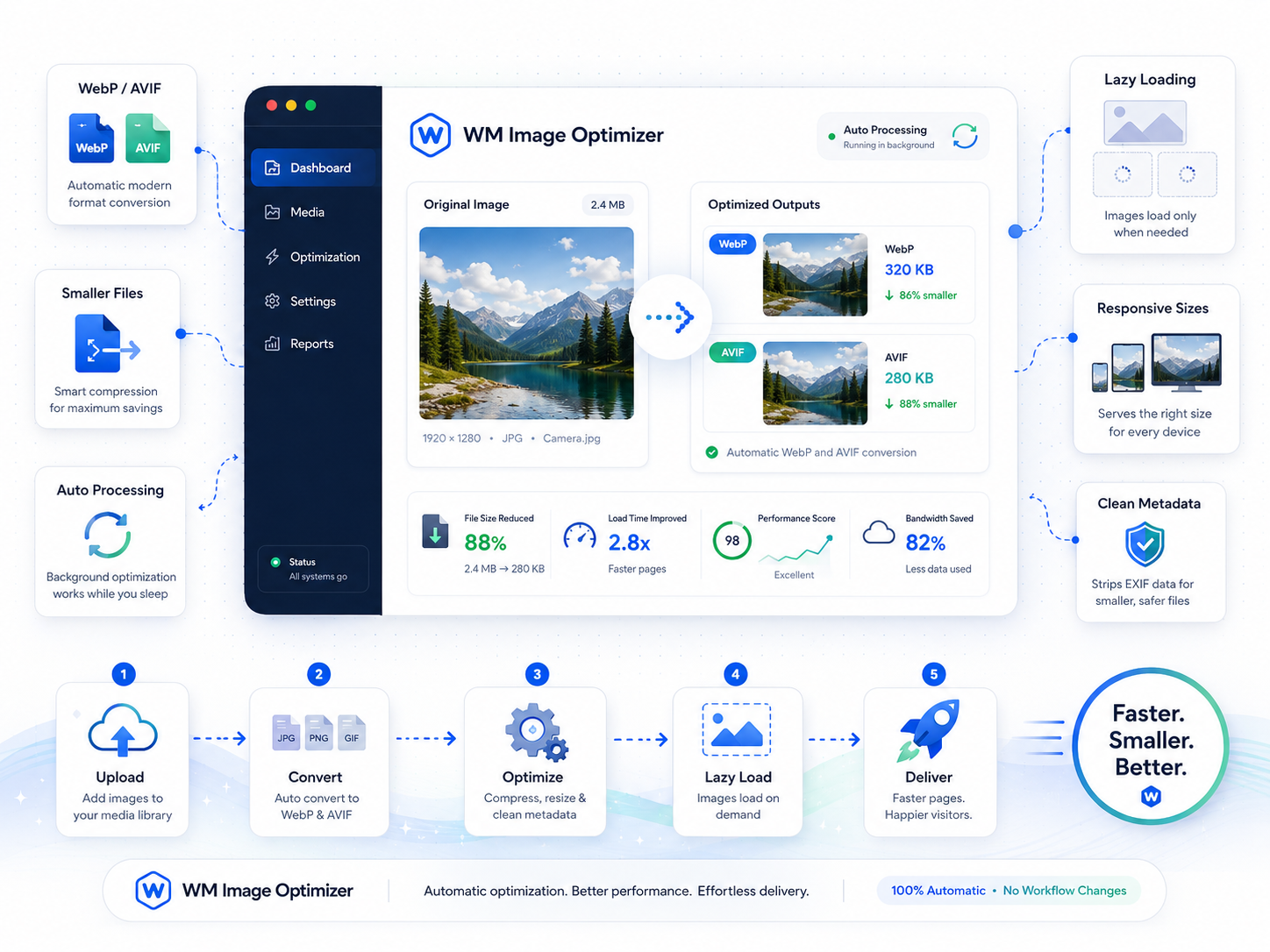
Every WordPress site serves images, but most serve them in formats and sizes that quietly destroy performance. Wordimatic Image Optimizer removes the decision entirely — upload once, serve optimally everywhere, with no workflow change required.
On upload, the plugin runs a non-blocking background job that converts your image to WebP and AVIF, strips EXIF metadata (reducing file size further and protecting visitor privacy), and applies your configured max-dimension limit. The original file is preserved as a fallback for environments that can’t negotiate a modern format. For existing libraries, a single WP-CLI command batch-processes every attachment in the background.
On the front end, loading="lazy" is injected into all <img> tags rendered through WordPress’s standard image functions, and the browser automatically requests the smallest format it supports. No template changes required, no CDN dependency, no third-party API calls, no monthly bill. It’s the kind of performance win that should have been baked into WordPress from the start.
Three steps to up and running
Upload as normal
Drop your images into the WordPress media library exactly as you would today — no workflow change required.
Automatic conversion
The plugin intercepts the upload, converts to WebP and AVIF in the background, strips EXIF metadata, and enforces your max-dimension limit.
Lazy loading injected
On the front end, native loading='lazy' is injected into all img tags and the browser serves the smallest supported format automatically.
What's included
Who it's for
- Cut page weight by 40–60% on image-heavy sites without touching a single template.
- Eliminate manual image optimization from your publishing workflow entirely.
- Reduce hosting bandwidth costs on high-traffic WooCommerce catalogs.
Technical requirements
Version history
- — Added native AVIF support (libavif required)
- — WP-CLI bulk regeneration command
- — Configurable max-dimension per attachment size
- — Fixed WebP conversion failure on PNG files with transparency
- — Improved memory handling for uploads over 10 MB