
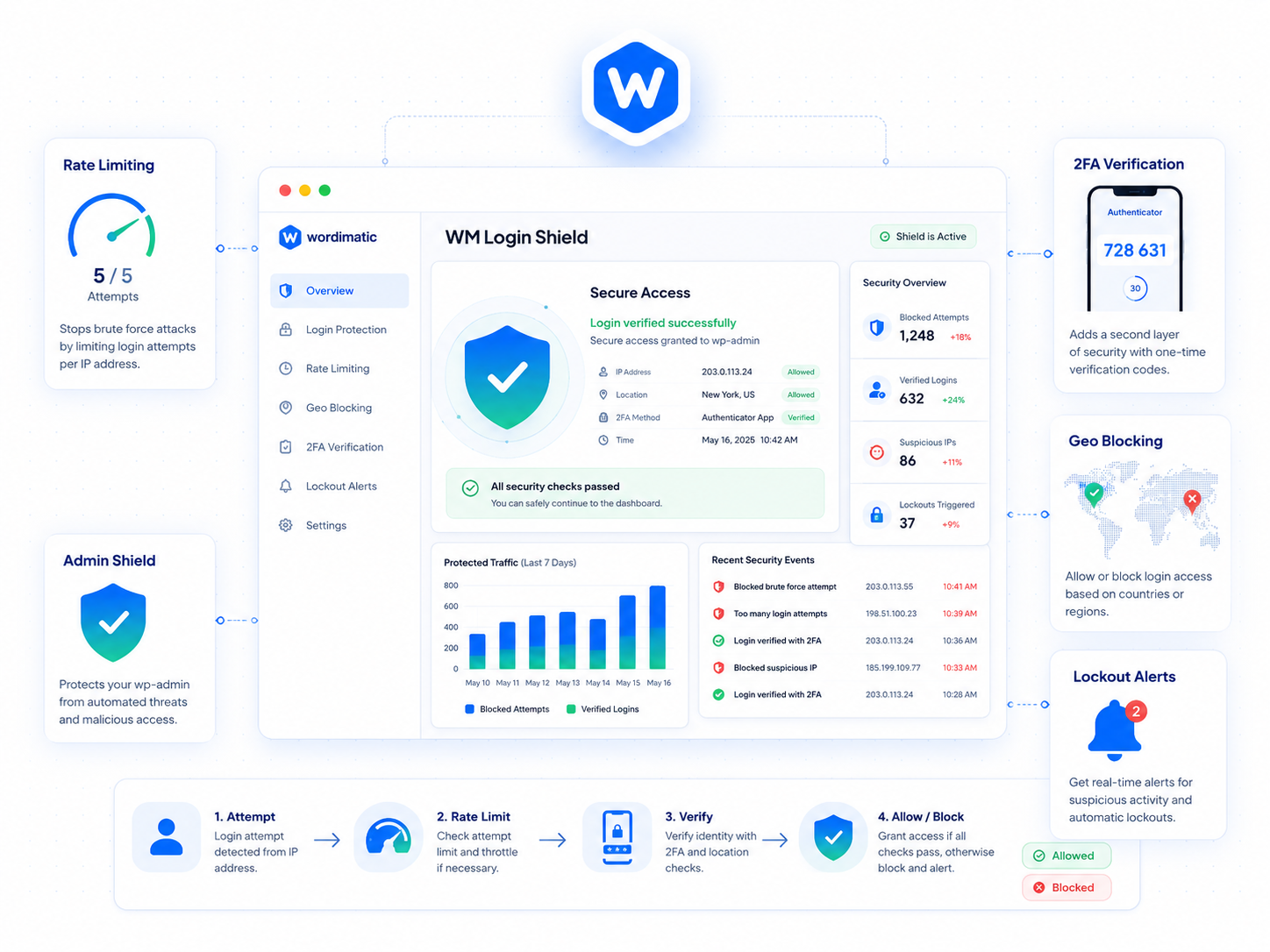
wp-login.php is the most attacked URL on the internet. Every public WordPress site gets probed for weak credentials — it’s automated, constant, and largely invisible until it succeeds. Wordimatic Login Shield adds the three layers that stop the vast majority of attacks: rate limiting, two-factor authentication, and real-time lockout alerts.
Rate limiting tracks login attempts per IP and locks out the source after a configurable threshold (default: 5 failures in 10 minutes). Your own IP is automatically added to the allowlist on activation, so you can’t accidentally lock yourself out during setup. If you do find yourself locked out, defining WM_LOGIN_SHIELD_BYPASS in wp-config.php provides a recovery path without needing server access. Optional geo-blocking via the MaxMind GeoLite2 database (free license required) lets you restrict logins to specific countries if your user base is geographically predictable.
Two-factor authentication is self-service: users enroll a TOTP authenticator from their profile page and any standard TOTP app (Google Authenticator, Authy, 1Password) works immediately. Admins can mandate 2FA for specific roles, so you can require it for administrators and editors without forcing it on lower-privilege users. Every lockout triggers an email to the site admin with the IP, timestamp, and attempted username, giving you a real-time signal when an attack is in progress rather than finding out weeks later in a server log.
Three steps to up and running
Rate limiting
Login attempts are tracked per IP. After a configurable number of failures (default: 5 in 10 minutes), the IP is locked out for a configurable duration.
Two-factor authentication
Users can self-enroll TOTP 2FA from their profile. Admins can mandate 2FA for specific roles. Standard authenticator apps (Google Authenticator, Authy, 1Password) are supported.
Lockout notifications
When an IP is locked out, an email is sent to the site admin with the IP, timestamp, and username attempted. Admins can unblock IPs from the plugin's dashboard.
What's included
Who it's for
- Stop brute-force attacks on wp-login.php without relying on a WAF or hosting firewall.
- Enforce 2FA for admin and editor roles on client sites as a baseline security requirement.
- Get instant notifications when a login attack is in progress.
Technical requirements
Version history
- — TOTP 2FA added for all user roles
- — Geo-blocking with MaxMind GeoLite2 support
- — IP allowlist/denylist management UI
- — Initial release
- — Rate limiting and lockout notifications