
How to Set Up 301 Redirects in WordPress Without Breaking SEO
A step-by-step guide to 301 redirects in WordPress — when to use them, how to set them up correctly, and the mistakes that quietly destroy your rankings.
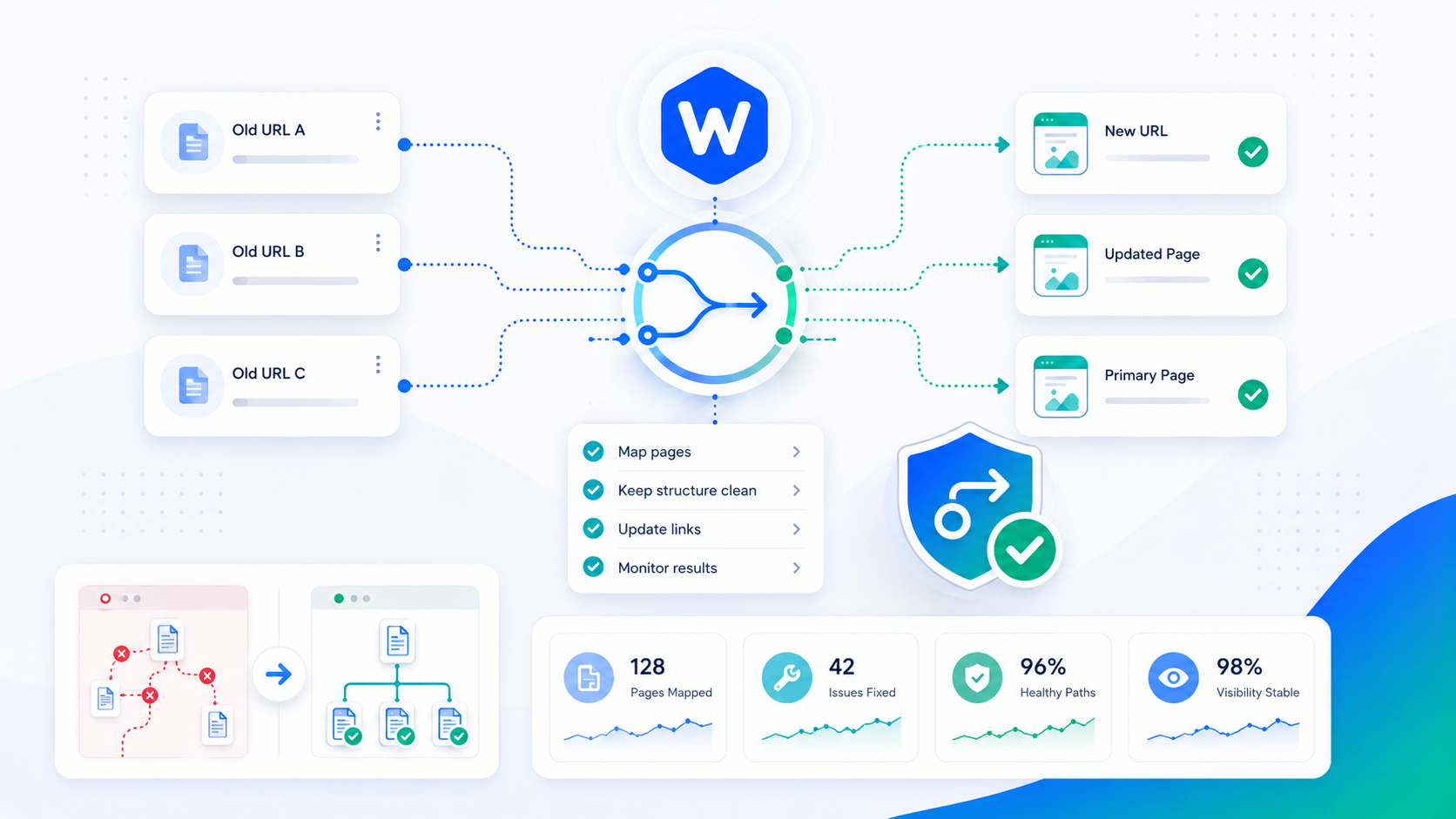
Every time a URL on your site changes — a page gets deleted, a slug gets updated, or you move to a new domain — you have a decision to make: what happens to the traffic and search authority that were pointing to the old URL? Without a redirect, both are lost. A 301 redirect tells browsers and search engines where the content has moved, preserving the user experience and passing the accumulated link equity to the new URL.
Done correctly, redirects are transparent. Done wrong, they create SEO problems that can take months to show up and months more to untangle.
301 vs. 302 vs. 307: which to use
HTTP defines multiple redirect status codes, and the choice matters for SEO.
301 — Moved Permanently. Use this for almost every redirect you set up. A 301 signals that the content has permanently moved to a new URL. Search engines transfer link equity (ranking signals) from the old URL to the new one. Browsers cache the redirect and go directly to the new URL on subsequent visits.
302 — Found (Temporary Redirect). Use this when the move is genuinely temporary — for example, redirecting a product page to a “temporarily out of stock” page while the original URL remains the canonical destination. Search engines do not transfer link equity for 302 redirects; they continue treating the original URL as the canonical destination. Using a 302 when you mean a 301 is a common mistake with real SEO consequences.
307 — Temporary Redirect. Semantically equivalent to 302 for most purposes, but specifically preserves the original HTTP method (POST stays POST, rather than being converted to GET). Rarely needed in WordPress contexts.
308 — Permanent Redirect. The method-preserving equivalent of 301. Almost never needed for standard WordPress redirects.
The rule of thumb: if the content has moved and you intend the change to be permanent, use 301. In practice, 90%+ of WordPress redirects should be 301.
Common scenarios that need a redirect
Changing a post or page slug. If you rename /resources/old-title/ to /resources/new-title/, any links pointing to the old URL — from other sites, from your own internal links, from Google’s index — will land on a 404. A 301 from old to new preserves those visitors and signals.
Deleting content. If you delete a post or page that had inbound links or indexed traffic, redirect it to the most relevant alternative page. Redirecting to the homepage is acceptable if no relevant alternative exists, but a relevant internal page is better for both users and SEO.
HTTP to HTTPS migration. If your site moved from HTTP to HTTPS and you’re not already redirecting all HTTP traffic to HTTPS, every HTTP URL is a separate URL in Google’s view. A sitewide 301 redirect from HTTP to HTTPS consolidates authority.
Domain change. Moving from an old domain to a new one requires a comprehensive redirect map from every indexed URL on the old domain to its equivalent on the new one. A blanket redirect of the old root domain to the new root domain works as a fallback but loses page-to-page relevance signals.
URL structure changes. Site redesigns often change URL structures — moving from /category/post-name/ to /post-name/ or from directory-based to flat structures. Map old URLs to new ones explicitly; don’t rely on a top-level redirect to catch everything.
Consolidating duplicate content. If multiple URLs serve equivalent or near-equivalent content, redirecting the weaker variants to the canonical URL consolidates their link equity into one.
How to set up redirects in WordPress
Plugin approach (recommended for most sites)
The Redirection plugin is the standard tool for managing WordPress redirects through the admin interface. It provides a searchable log of redirect rules, tracks 404 errors (so you can identify URLs that need redirects), and requires no server access.
For most WordPress sites on shared hosting, the plugin approach is the only practical option. Redirects are stored in the database and processed by PHP on each request — slightly slower than server-level redirects, but the difference is negligible for normal redirect volumes.
Use Wordimatic’s free 301 Redirect Generator to build properly formatted redirect rules for any approach before entering them into a plugin or server configuration.
.htaccess (Apache servers)
If your server runs Apache, redirect rules can be added to the .htaccess file in your WordPress root directory. These rules are processed by the web server before PHP runs, making them faster than plugin-based redirects.
# Single URL redirect
Redirect 301 /old-page/ https://yourdomain.com/new-page/

# Pattern-based redirect (old category structure)
RedirectMatch 301 ^/blog/(.*)$ https://yourdomain.com/resources/$1
Edit .htaccess carefully — a syntax error can take your site offline. Always make a copy before editing. WordPress’s own .htaccess rules (added automatically) should remain intact below your custom rules.
Nginx server configuration
Nginx handles redirects in the server block configuration, not in a .htaccess file. These require server access and an nginx configuration reload after changes.
# Single URL redirect
location = /old-page/ {
    return 301 https://yourdomain.com/new-page/;
}

# Pattern-based redirect
location ~* ^/blog/(.*)$ {
    return 301 https://yourdomain.com/resources/$1;
}
Nginx redirects are processed at the web server level and are the fastest option. If you’re on a VPS or managed environment with Nginx access, prefer this approach for high-volume redirect rules.
Mistakes that break SEO
Redirect chains. A redirect chain is A → B → C instead of A → C. Each hop adds latency and dilutes the link equity transfer — Google has stated that equity degrades across chains. If you’re auditing an existing site and find chains, collapse them to single-hop redirects.
Redirect loops. A → B → A. The browser or crawler gives up after a finite number of hops. Loops often happen when you redirect a page to a new URL and then rename the new URL back to something similar.
Redirecting everything to the homepage. When content is deleted or a site migrates, it’s tempting to redirect all old URLs to the homepage as a catch-all. A blanket homepage redirect is better than a 404, but Google recognizes “soft 404s” — redirects to irrelevant pages — and treats them similarly to 404s for ranking purposes. Redirect to the most relevant page available.
Using 302 instead of 301. As covered above, a 302 doesn’t pass link equity. If you’ve used 302 for permanent redirects, switching to 301 will gradually restore the equity transfer as Google recrawls.
Losing query string parameters. Some redirect configurations strip query strings. If the old URL had tracking parameters, UTM tags, or functional parameters that need to pass through to the destination, test that your redirect preserves or handles them correctly.
How to test and monitor redirects
Test every redirect after setting it up. Tools to use:
- Browser developer tools: Open the Network tab, navigate to the old URL, and confirm the Status Code is 301 and the Location header points to the correct destination.
- Redirect checker tools: Ahrefs, Screaming Frog, and httpstatus.io can check individual URLs or crawl a list for redirect status and chain depth.
- Google Search Console: The Coverage report surfaces crawl errors and redirect issues as Google encounters them. Check it after any large-scale redirect implementation.
Monitor 404 errors in Search Console and your server logs on an ongoing basis. New 404s indicate URLs that changed without a redirect being set up. The Redirection plugin also maintains a 404 log that surfaces these for easy action.