
What managed WordPress actually means
“Managed WordPress” is an overloaded term. Most hosts call themselves managed if they handle automatic core updates and daily backups. That’s a start, but it’s not what your business needs from a partner.
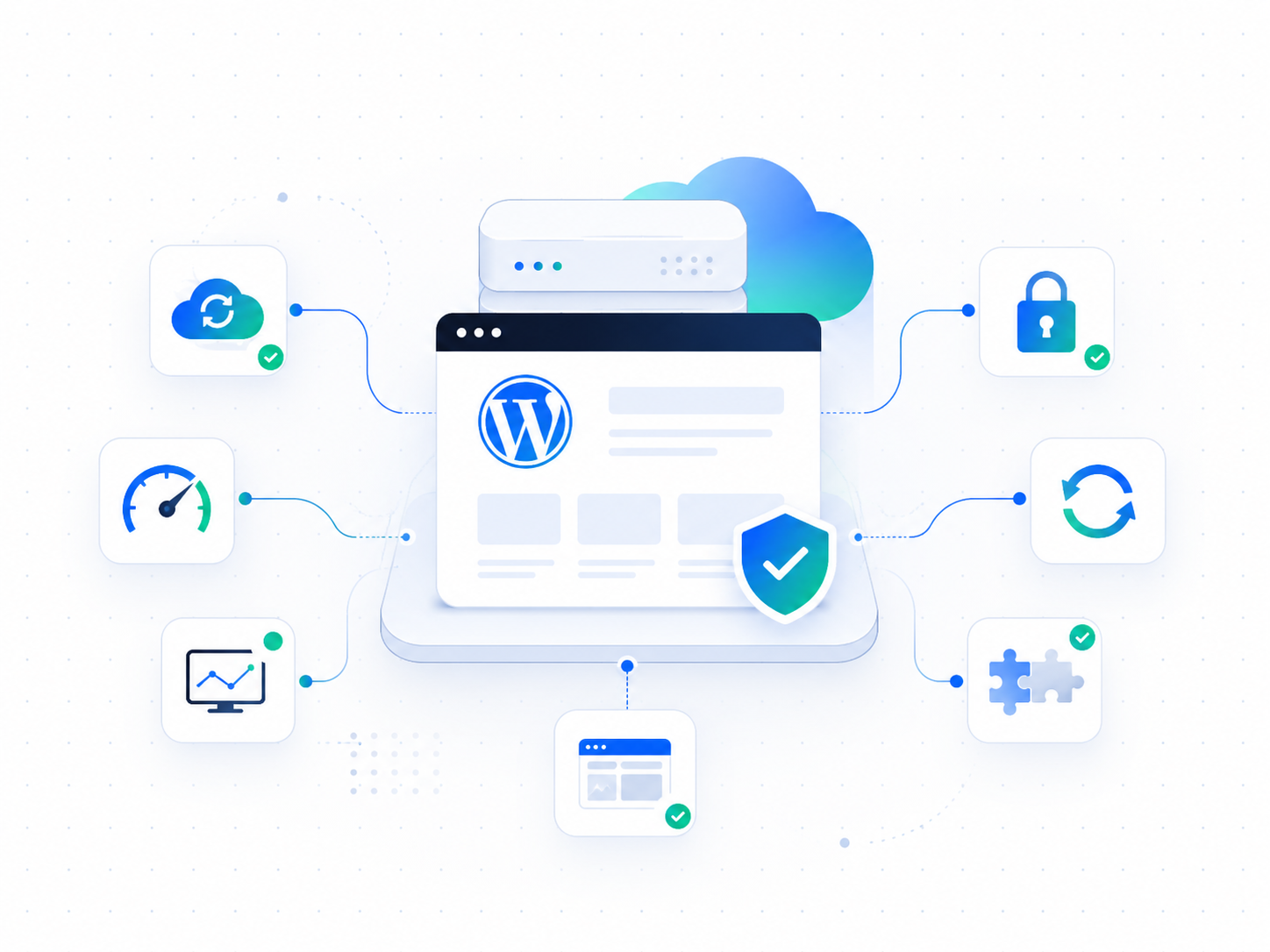
Wordimatic’s managed WordPress service means we take full operational ownership of your site. Not just the server — the entire stack: hosting infrastructure, WordPress core, themes, plugins, security posture, performance, and the human support layer behind all of it.
What’s included
Optimized hosting infrastructure
Your site runs on a container image built and tuned specifically for WordPress: PHP 8.5 on FrankenPHP, with OPcache configured for a container runtime — a large compiled-code cache, timestamp validation off (code changes ship with a new image, not by editing files on a live server), and the tracing JIT enabled.
PHP concurrency is capped to a thread count sized to your plan’s memory allocation. That cap matters: when every thread is busy, requests queue for a moment instead of immediately failing with a 502, so a short traffic spike becomes a brief wait rather than an error page.
Your media is served through a CloudFront CDN, so images and uploads come from an edge location near your visitor rather than from the origin on every request.
We handle provisioning, maintenance, and scaling. If your site gets a traffic spike, we see it before you do.
Automated backups
We take full backups of your files and database on a plan-based cadence: weekly on Maintain, and daily on Optimize and Operate. Retention scales with your plan too — two weeks on Maintain, 30 days on Optimize, and 90 days on Operate. Backups are stored off-server so a compromised host doesn’t touch your recovery options.
Restoring takes minutes, not hours, and you choose how it happens. Run it yourself from the dashboard, including a safe restore that stands the recovered copy up next to your live site so you can check it before anything switches over, and an undo that puts the database back if a restore made things worse. Or ask us, and an engineer drives it for you. Behind both paths, automated weekly restore drills rehearse the recovery machinery on a schedule, so a restore is a tested path rather than a promise.
Change-controlled, staged updates on every plan
This is where most managed hosts cut corners. They apply WordPress core and plugin updates automatically — which sounds efficient until an update breaks your site on a Friday afternoon.
Every update is change-controlled on every plan: nothing ships without a review. That review happens in a full staging environment first. An automated test suite checks for visual regressions and PHP errors, and nothing goes to production until your approver accepts the result (or until every check passes, if you have opted in to auto-accept). You get a notification when updates are applied, with a summary of what changed.
Security by prevention, not cleanup
Most hosts let anything run and scan for the damage afterwards. We built the platform so it doesn’t happen: your site has no WordPress login screen to attack, its files are locked while it’s running, and nothing can be installed from wp-admin. The two most common ways a WordPress site gets taken over simply don’t apply.
Security scanning
Vulnerability scanning runs against every image your site is built on, checked against known CVE databases before it ships, with a full software inventory (SBOM) kept per build. One hardened image serves every site, so a single scan covers your whole estate and a single fix reaches all of it at once.
Integrity and visual scanning run against the live site: content that changed without anyone editing it, links to domains you’ve never linked to, hidden off-site links, spam that only shows itself to Google’s crawler, and any visible difference from your last approved baseline.
Accessibility scanning checks against WCAG 2.1 AA and Section 508, with an engineer fixing what it finds.
An engineer reviews anything these surface before you hear about it — and then fixes it, rather than sending you a report.
Uptime monitoring
We probe your site every 60 seconds. If uptime drops, our engineers are alerted immediately, and you get a notification too. On Operate and Partner, an engineer responds to an outage within one hour, around the clock; on other plans, the same business day.
Monthly health reports
Every month you get a plain-English report covering: uptime, security scan results, what was updated, performance metrics, and any work we did during the month. No jargon, no PDFs you’ll never open — a clean dashboard view and an email summary.
Who it’s for
Managed WordPress works best for:
- Business owners who built their site years ago and need someone else to own the maintenance
- Marketing teams who depend on their WordPress site but don’t have in-house engineering
- Agencies managing sites for clients who want a reliable technical partner behind the scenes
- E-commerce operators running WooCommerce stores where downtime directly costs money
Getting started
Onboarding typically takes less than 48 hours from signup:
- We audit your current site and flag anything that needs addressing before migration
- Our team coordinates migrating your content, media, and database to our infrastructure, and plans the DNS cutover with you to keep downtime to a minimum
- We apply our security baseline and performance configuration
- You get access to your dashboard — your site is live and under active management
There’s no lengthy onboarding call, no checklist you have to fill out, and no waiting for your “dedicated account manager” to respond to an email thread.
Start with a free site audit and we’ll tell you exactly what your site needs before you commit to anything.