
Speed isn’t just a nice-to-have
Google uses Core Web Vitals as a ranking signal. Shoppers abandon carts when checkout is slow. Readers bounce when a page takes more than two seconds to load. Performance is a business problem dressed up as a technical one.
Most performance “optimization” is a checklist applied uniformly to every site: install a caching plugin, compress images, add a CDN. That’s a starting point. Wordimatic’s performance work goes deeper — we profile your specific site, identify the actual bottlenecks, and implement fixes that match your stack.
What we optimize
Core Web Vitals
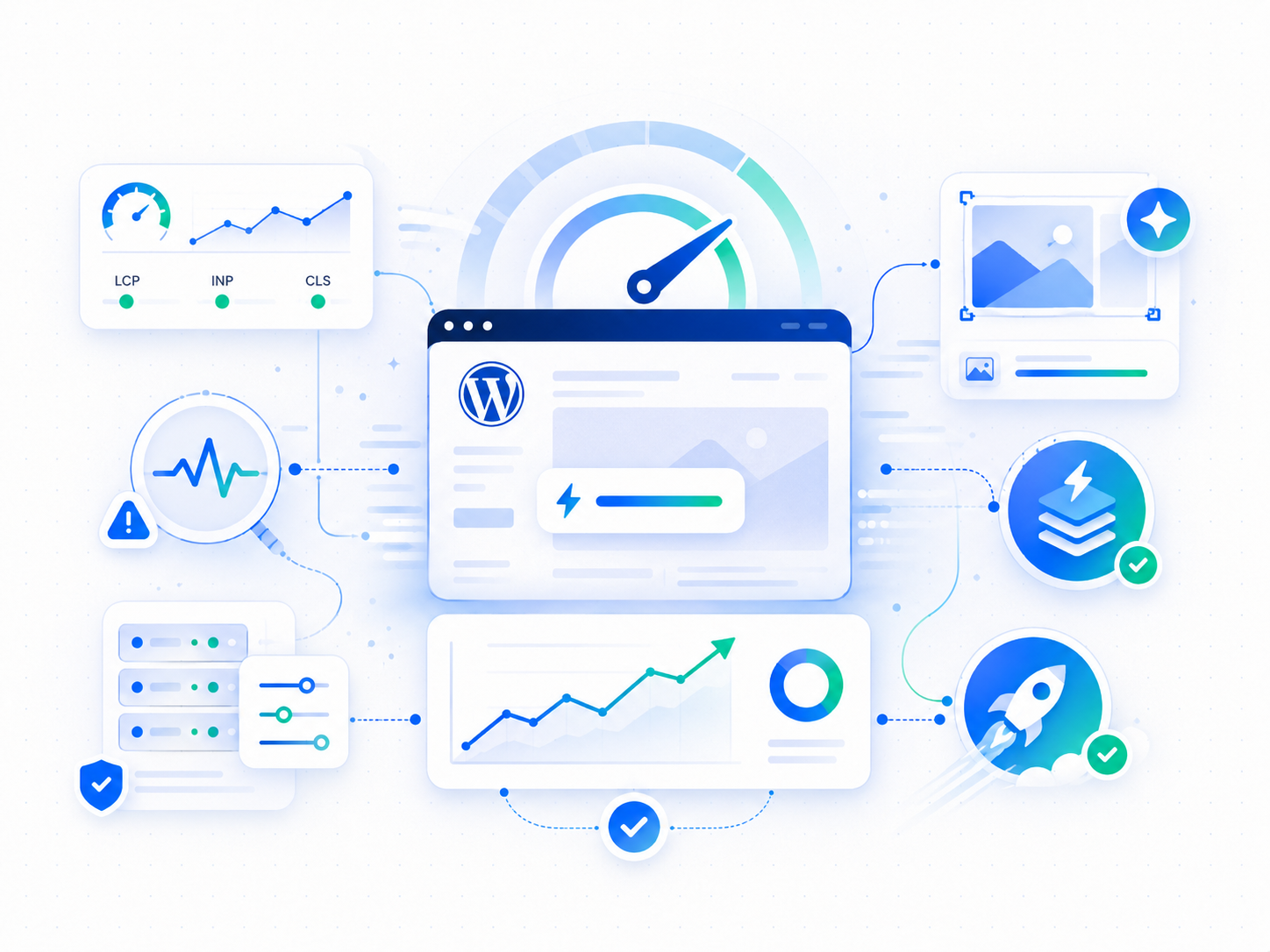
We target all three CWV metrics directly:
Largest Contentful Paint (LCP) — the time until the largest visible element is rendered. We identify what’s triggering your LCP, whether it’s a hero image, a heading, or a block of text, and optimize that specific element: proper preloading, correct image sizing, elimination of render-blocking resources.
Cumulative Layout Shift (CLS) — unexpected layout movement that frustrates users and hurts UX scores. We audit every element that causes shift — images without explicit dimensions, late-loading fonts, dynamically injected content — and stabilize them.
Interaction to Next Paint (INP) — responsiveness to user input. We profile JavaScript execution and identify long tasks blocking the main thread, then break them up or defer them.
Server-side performance
We configure the full server stack for WordPress performance:
- PHP 8.5 on FrankenPHP, with OPcache sized and tuned for a container runtime
- A per-plan PHP concurrency cap, so a traffic spike queues briefly instead of returning errors
- Database query optimization for sites with slow database-driven pages
- CDN delivery of media from edge locations close to your visitors
- Proper keep-alive and HTTP/2 configuration
Image pipeline
Images are responsible for the majority of page weight on most WordPress sites. We set up a complete image optimization pipeline:
- WebP conversion with JPEG/PNG fallback for older browsers
- Responsive image markup so browsers load appropriately sized images at each viewport
- Lazy loading below the fold, with preloading for above-the-fold images
- CDN delivery with correct cache headers and compression
We also audit your existing image library and batch-process files that are loading at the wrong resolution or format.
Asset delivery
- CSS and JavaScript minification and concatenation where it reduces round trips
- Critical CSS inlined for above-the-fold content to eliminate render blocking
- Non-essential scripts deferred or loaded asynchronously
- Third-party script auditing — social embeds, analytics tools, and chat widgets are common culprits for performance regression
CDN configuration
We serve your media and static assets from a CDN with cache headers tuned for WordPress, so the heavy part of every page loads from edge locations close to your visitors. Page requests themselves are answered directly by your site’s dedicated, tuned runtime — OPcache sized for the container, per-plan PHP concurrency, no fragile page-cache layer in between — which means what you publish is what visitors see, immediately, with no stale cache to purge.
How we work
Performance optimization starts with measurement. We run a baseline audit using real-world tooling — not just Lighthouse scores — and profile your site under realistic conditions.
From the audit, we produce a prioritized list of issues ranked by impact and effort. We implement high-impact fixes first, re-measure after each change, and move down the list methodically.
You get a before-and-after report with actual metrics, not just a Lighthouse score improvement.
Ongoing performance management
After initial optimization, performance doesn’t stay optimized by default. Plugin updates, content changes, new third-party scripts, and theme edits all introduce regressions.
We track your Core Web Vitals continuously and flag regressions in your monthly report. If a plugin update tanked your LCP, you’ll know — and we’ll fix it before it affects your search rankings.
Get a free site audit and we’ll tell you exactly where your site’s performance stands and what we’d fix first.