
Support that’s actually supportive
Most WordPress support experiences follow the same script: you open a ticket, wait 24–48 hours, get a response that asks for information you already provided, wait again, and eventually get a fix — or a suggestion to reinstall WordPress.
Wordimatic’s support model is built around the opposite premise. The person who responds to your request is a WordPress engineer, not a support agent reading from a flowchart. They already know your site. They can look at it directly, diagnose the problem, and fix it — often in the same interaction.
How support works
Your support channel
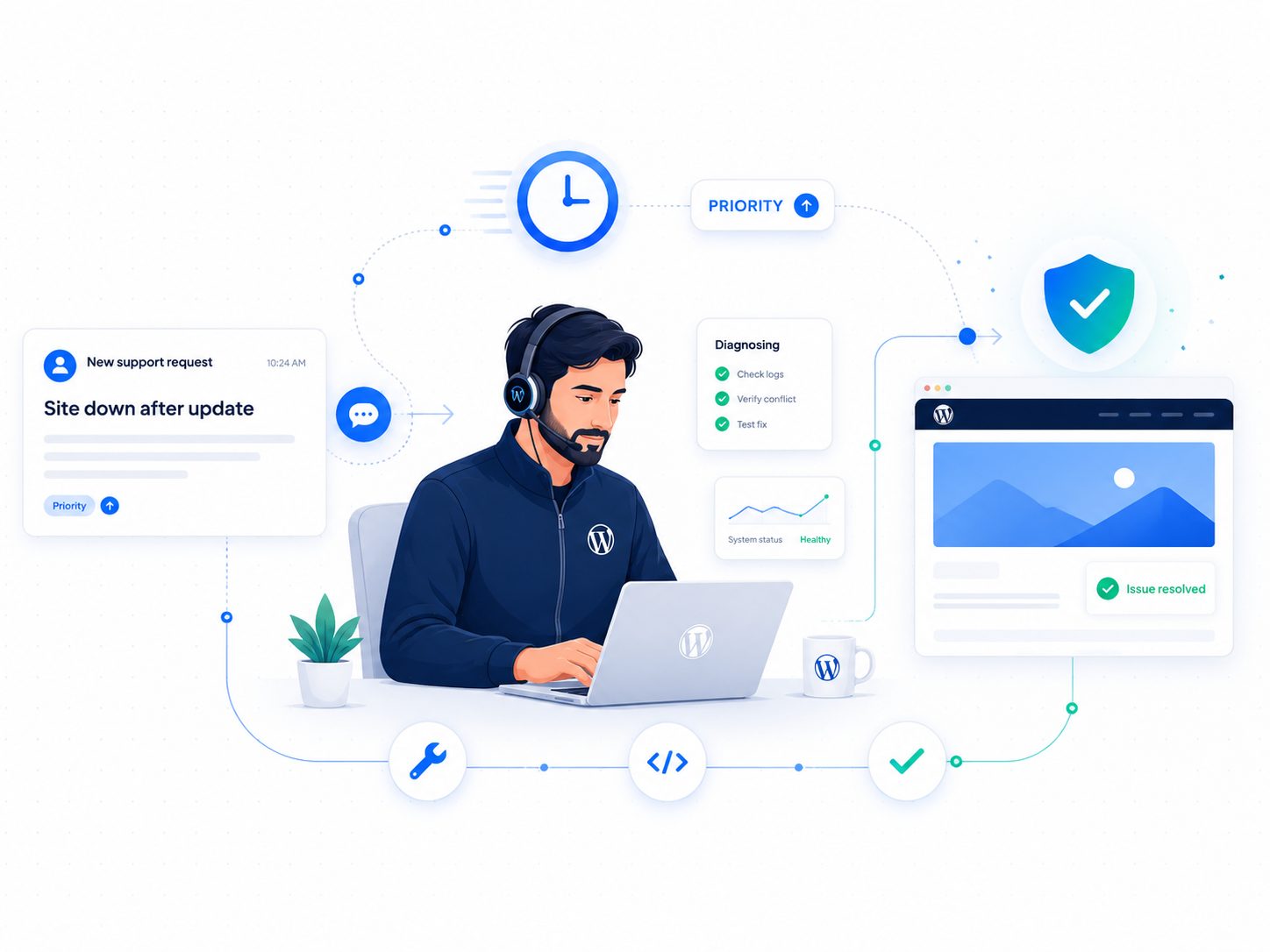
Every Wordimatic client gets direct access to their assigned engineer via the client portal. You can submit requests, ask questions, and track open work in one place. For urgent issues, there’s a priority escalation flag that puts your request at the top of the queue immediately.
You’re not emailing a support alias and hoping the right person sees it. You’re reaching a specific engineer who is familiar with your site’s configuration, your plugins, your history of issues, and your business.
Response times
Emergency issues: site down, checkout broken, data loss, active security incident. Operate and Partner plan clients get an engineer responding within one hour, around the clock. Optimize plan clients get same-business-day emergency escalation.
Standard requests — Feature work, configuration changes, content updates, troubleshooting non-critical issues. All plans include same-business-day response during business hours.
We define these in your plan terms so there’s no ambiguity about what to expect.
What counts as support time
Only real engineering time counts against your included support hours. That means:
- Automated monitoring runs constantly — doesn’t touch your hours
- Plugin and core updates applied by our update pipeline — doesn’t touch your hours
- Security scanning and routine maintenance — doesn’t touch your hours
- Using the AI assistant to troubleshoot, understand your site, or plan work on Optimize and Operate plans — doesn’t count against your hours
Your included hours are for work that requires a human: custom development, complex troubleshooting, consultations, configuration changes, and anything requiring engineering judgment.
What engineers handle
Our engineers handle the full range of WordPress technical work — not just the easy stuff:
Troubleshooting — Site errors, plugin conflicts, theme issues, database problems, caching bugs, and anything else that’s broken and needs diagnosing.
Custom development — Small feature additions, code modifications, custom shortcodes, hook implementations, and API integrations that don’t require a full custom plugin engagement.
Configuration — Server settings, WordPress configuration, plugin setup, DNS changes, SSL renewals, and infrastructure-level changes.
Consultations — Architecture questions, plugin recommendations, migration planning, performance strategy, and technical decisions you want a second opinion on.
Emergencies — Hacked sites, broken updates, data loss events, and anything that needs an immediate human response.
What you won’t get
We don’t do tier-1 support theater. If your issue is real, we work it — we don’t send you to documentation or ask you to deactivate all your plugins and try again.
We also don’t hide engineers behind a support alias. You know who you’re working with. If your engineer is out, there’s a named backup. You always know who to reach.
Escalation
For issues that require more than your assigned engineer — whether that’s a complex infrastructure problem, a specialized plugin conflict, or a security incident — we escalate internally and keep you informed. You don’t manage the escalation process; we do.
View our plans to see support response times and included hours at each tier, or contact us if you have questions about what’s covered.