
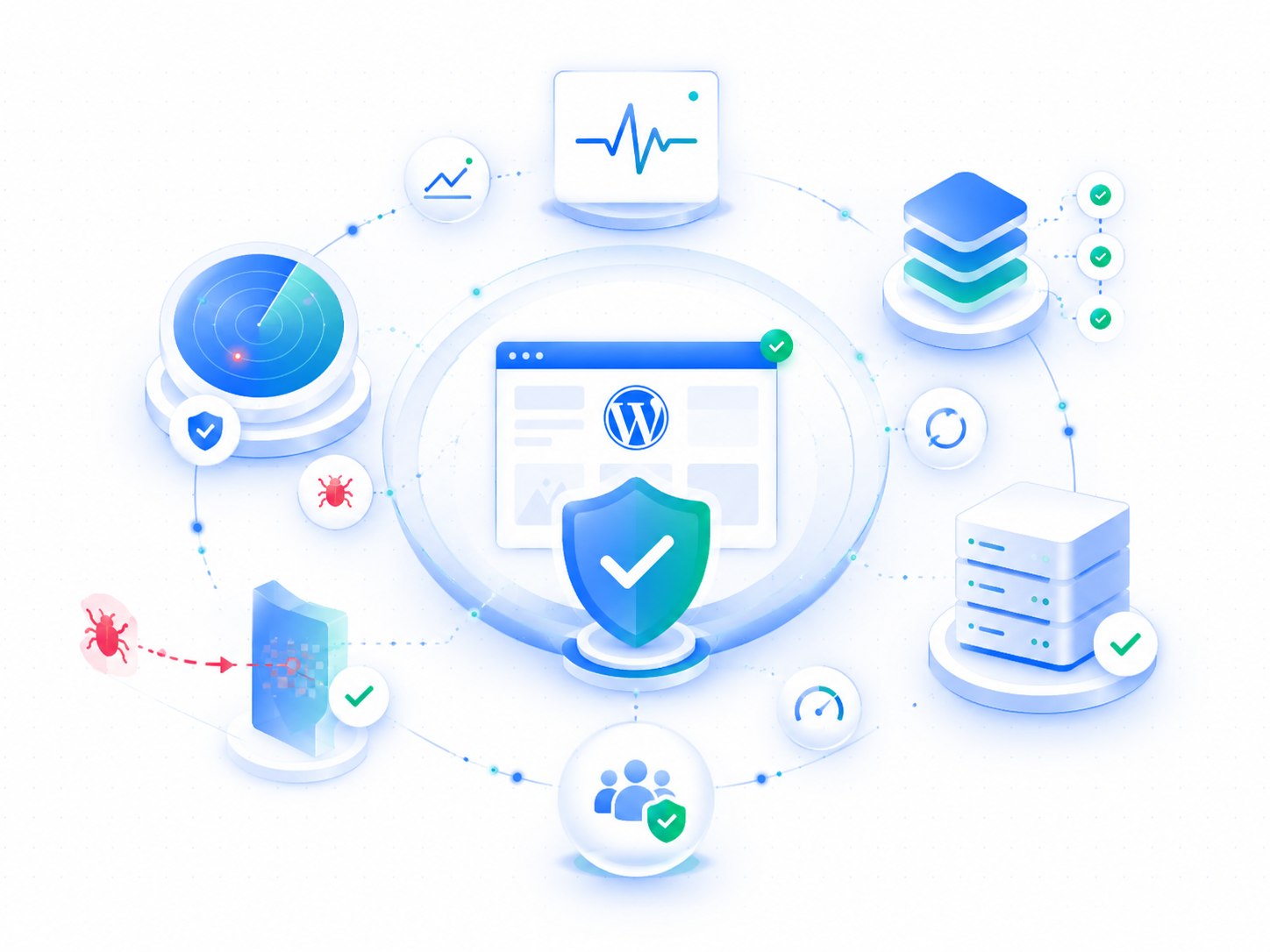
Security isn’t a checklist
Most “security” offerings for WordPress amount to installing a plugin, running a scan, and emailing you a PDF. That’s not a security posture — it’s auditing theater.
We’d rather your site never got compromised than be quick about telling you it was. So the platform is built to close off the ways it happens, and our monitoring watches it around the clock anyway.
What we monitor
Uptime and availability
We probe your site every 60 seconds. If your site goes down or starts responding slowly, our engineers are alerted immediately, and you are notified too. On Operate and Partner, an engineer responds to an outage within one hour, around the clock; on other plans, the same business day.
We track response times alongside uptime. A site that loads in 8 seconds isn’t “up” in any meaningful sense. If performance degrades, we get the same alert.
Most WordPress security is cleanup. Ours is prevention.
The industry standard is to let anything run, scan for the damage afterwards, and email you a report. We built the platform so the damage doesn’t happen.
There’s no password to steal. Your site has no WordPress login screen — /wp-login.php isn’t there to attack. You sign in through Wordimatic instead. The single most common way WordPress sites get taken over doesn’t apply to yours.
Your site’s code can’t be rewritten. The files are locked while the site is running, and nothing can be installed from wp-admin. The usual endgame of a plugin exploit — quietly dropping a backdoor into your files — has nowhere to land.
Every update is proven before it ships. Core, theme, and plugin updates are tested on a full copy of your site before they touch production, and nothing is promoted until your approver accepts it (or you have opted in to accepting passing updates automatically). On every plan, not just the expensive one.
And we still scan. Prevention doesn’t replace watching — it just means we’re watching a much smaller surface. See below.
Security scanning
Known-vulnerability scanning. We watch the public CVE record daily (the CVE List, the National Vulnerability Database, and CISA’s Known Exploited Vulnerabilities catalog) and check it against every plugin, theme, and WordPress core version actually running on your sites. When a component you run has a known vulnerability, we alert you with the affected version and the fixed one, and staging the fix is one click: it goes through the same tested update pipeline everything else does. If you have opted in to automatic updates, the fix is staged for you.
This is the published record, not a crystal ball. There’s an inherent lag between an attacker finding a hole and a vulnerability being disclosed, and we don’t pretend to close that gap — what we promise is that once something you run is on the public record, you won’t be the one who has to notice.
The commercial WordPress vulnerability databases you may have heard of — Wordfence, Patchstack, WPScan — are all official CVE Numbering Authorities, which means their researchers’ findings are published into that public record. We read it directly, so you get those advisories without us reselling a subscription.
Base-image scanning. Separately, every image your site runs on is scanned against known CVE databases before it ships — the operating system, PHP, WordPress core, and every library underneath. We keep a full software inventory (an SBOM) for each build, so when a disclosure lands we can answer “are we affected?” in minutes rather than days. Because every site runs the same hardened image, one scan covers your whole estate — and one fix reaches every site at once.
What CVE scanning can’t cover — and what does. A CVE only exists for software with a public identity. Bespoke plugins written for a single site have none, so no scanner — ours or anyone’s — can match them against a vulnerability feed. We say that plainly rather than pretend no gap exists. Custom code is instead covered by the platform itself: it’s delivered read-only and reset to known-good on every reconcile, and the live site is watched for unexplained change (see integrity scanning, below).
Integrity scanning. On the live site we scan continuously for change: a page whose content shifted without anyone editing it, a burst of new pages appearing overnight, links to domains your site has never linked to, off-site links hidden with CSS, and content that appears only when Google’s crawler asks for the page. That last one matters — cloaked spam is invisible to you and to your visitors, and most sites only discover it after their search rankings have already fallen.
Visual scanning. We capture your pages and compare them against the last approved baseline, so a defacement, an injected banner, or a layout that broke after an update shows up as a visible difference.
Accessibility scanning. Automated WCAG 2.1 AA / Section 508 checks, with an engineer remediating what they find. Details on our compliance page.
Anything these turn up is reviewed by an engineer before you hear about it, so you get told about real problems rather than every routine edit.
Before it’s ours to host
When you move a site to us, we inventory everything you’re bringing — every plugin, theme, and the core version — and check it against the public CVE record before it goes live on the platform. You get a migration security report: what’s carrying a known vulnerability, what’s out of date, and which components are custom code that no vulnerability feed covers. It’s the difference between inheriting a problem and knowing about it on day one.
Change-controlled, staged updates on every plan
Unvetted automatic updates are one of the most common causes of WordPress breakage. We don’t apply updates directly to production on any plan.
Every core and plugin update is change-controlled and reviewed before it ships, on every plan. That review happens in a full staging environment first. Automated smoke checks confirm the page actually renders (a real HTTP 200, a complete HTML document, a non-empty <title>) and scan the response for PHP fatal-error markers, while screenshot comparison catches visual regressions. Nothing touches your live site until your approver accepts the result, or, if you have opted in to auto-accept, until every check has passed.
You get a notification when updates are applied, with a changelog summary so you always know what changed and when.
Login protection: there is no login to attack
Most WordPress security products spend their effort defending /wp-login.php — rate limiting it, hiding it, bolting 2FA onto it. On managed sites we removed it instead.
Managed sites have no password login at all. /wp-login.php and unauthenticated /wp-admin return a plain 404 to the public internet — not a redirect, not a login form, nothing that even confirms WordPress is running. The only way in is single sign-on from your Wordimatic dashboard, which authenticates against your Wordimatic account (where two-factor authentication lives) and hands off a one-time token.
That makes credential stuffing and brute-force password guessing structurally impossible against a managed site, rather than merely rate-limited. There is no password on the site to guess, and no form to submit it to. The most common way WordPress sites get taken over simply doesn’t apply.
For Connected sites (ones you host elsewhere, where your existing wp-admin password login stays in place), that surface still exists and still needs defending. Our Wordimatic Login Shield plugin is built for exactly that case: failed-attempt rate limiting and lockout, TOTP two-factor, and geographic IP allowlisting for wp-login.php.
The security baseline
Every site we manage gets a hardened configuration applied on onboarding:
- Native password login removed entirely — SSO from your dashboard is the only way in
- XML-RPC disabled unless your workflows require it
- REST API endpoints authenticated where they don’t need to be public
- File editing disabled in wp-admin
wp-config.phpand.htaccesswrite-protected- Directory listing disabled
DISALLOW_FILE_MODSandDISALLOW_FILE_EDITenforced in wp-config
This isn’t a checklist we run once — it’s a configuration we maintain and enforce across every update cycle.
When something goes wrong
If your site drifts from its known-good state, an update misbehaves, or your site goes down, we don’t send you a ticket asking for next steps. We start working the problem and keep you informed as we go.
For sites on our Operate and Partner plans, an engineer responds to emergency incidents within one hour, around the clock. On other plans, emergencies are answered the same business day.
Reporting
Every month you receive a plain-English report covering: what changed on your site, anything our verification checks flagged, what updates were applied, and your uptime numbers for the period. No jargon, no PDF attachments — a clean summary delivered to your inbox.
View our plans to see which security features are included at each tier, or start with a free site audit to see where your current site stands.